








Looks super cool
Verified purchase
Looks super cool, though it lacks a bit of optimization—it'd be great if it ran a little faster.
yauheni SalamonauNov 16, 2026

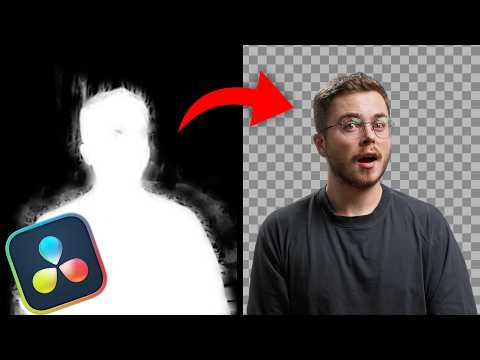
Get cleaner, more consistent masks in DaVinci Resolve with Magic Mask Supercharger. Use Prepare Magic Mask to crop tightly around your subject so it fills the frame, or plug in a rough mask and let the crop follow the action automatically. Once you’ve run Magic Mask, link Restore Magic Mask with one click to line the result back up with your original footage. If the edges still flicker, use Stabilize Magic Mask to smooth them out and keep the mask steadier from frame to frame.
Allow optional cookies to play this embedded video.
out of 5
1 verified review
Looks super cool
Looks super cool, though it lacks a bit of optimization—it'd be great if it ran a little faster.